Project settings
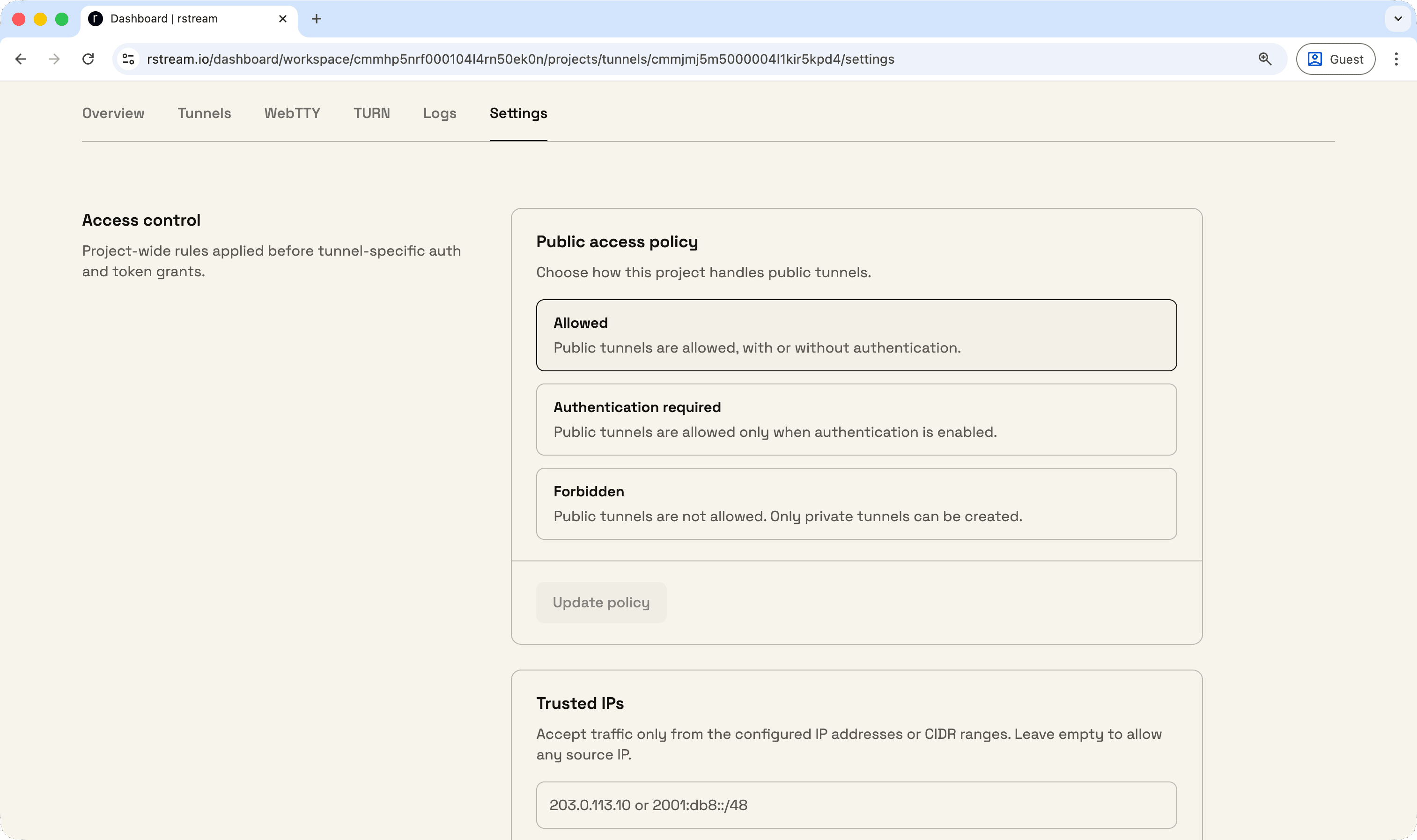
Project-wide settings are available for rstream tunnels.
Project settings add a policy layer above individual tunnel requests, so a project can keep the same access model even when tunnels are created by different credentials, SDKs, or backend services.
Project settings include:
- public access policy
- trusted IPs
- GeoIP restrictions
- minimum TLS version
Public access can allow public tunnels, require rstream Auth or token auth, or reject public tunnels entirely. Minimum TLS version applies to all published tunnels, whatever the protocol.
Trusted IPs and GeoIP restrictions act as project-level bounds. When a tunnel request also specifies values, the engine keeps only the overlap with the project policy and rejects the tunnel when no overlap exists.
Public access policy and minimum TLS version are available on Basic, Pro, and Enterprise projects. Trusted IPs and GeoIP restrictions require Pro or Enterprise. Project settings are not enforced on Community Edition deployments.
For the access policy model behind these settings, refer to Access Policies.